
HTB - Facts Writeup

👾 Machine Overview
This is a writeup of the machine Facts from HTB, it’s an easy difficulty Linux machine which featured a CVE in Camaleon CMS, S3 Bucket enumeration, SSH Key shenanigans, and some passwordless sudo privesc.
🔍 Enumeration
An initial scan of the host gave the following results:
1 | naabu -host 10.129.244.96 -Pn |
Looks like we’re stuck with web, and SSH.
🦎 Camaleon CMS
After adding facts.htb to my /etc/hosts file, I was able to checkout the website running on port 80.
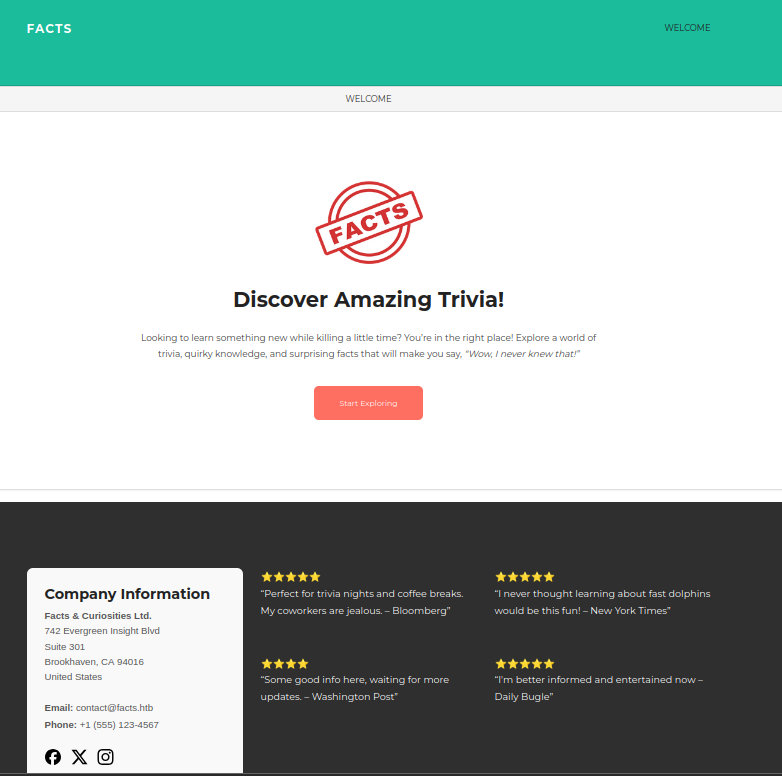
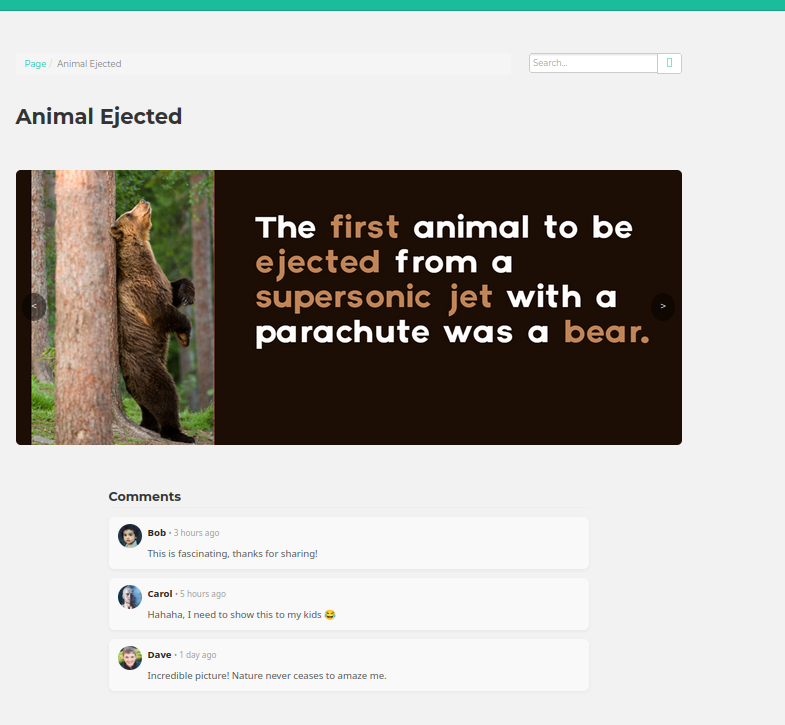
The site has a basic search bar, random trivia facts, and user comments. I wasn’t able to do anything fun with the search bar or the existing elements, so I dirb’d to find hidden subdirectories.
1 | gobuster dir -w /tools/SecLists/Discovery/Web-Content/big.txt -u http://facts.htb |
This found a /admin endpoint that presents us with an admin login panel.
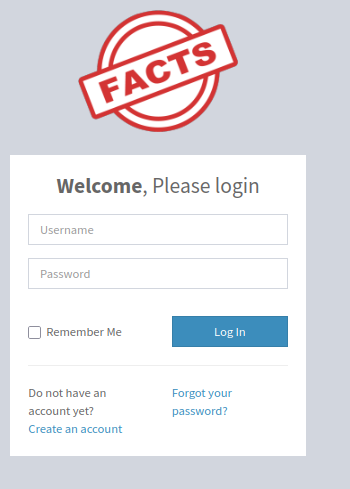
New user registration was enabled - so I used the Create an account button to register a new user and login.
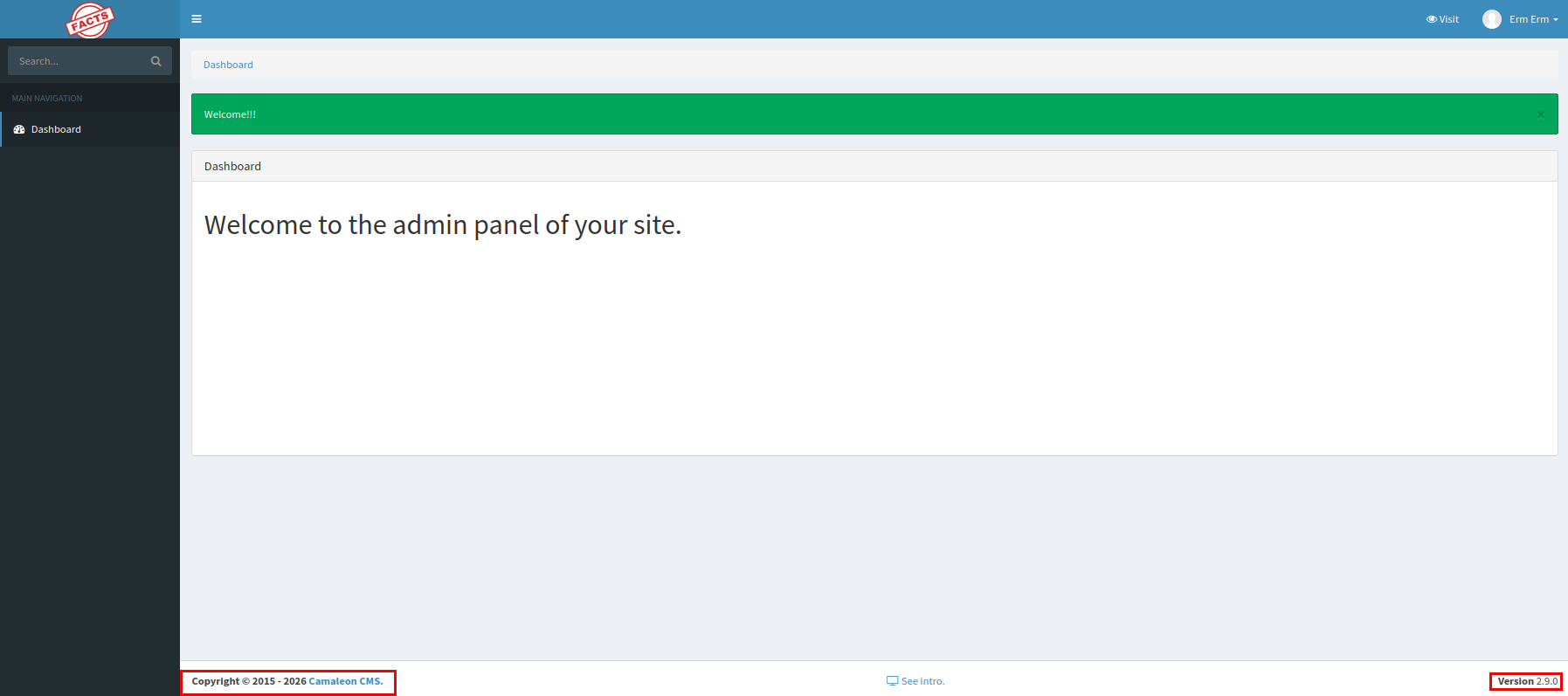
We don’t have any interesting permissions within the application - but it does disclose a version Camaleon CMS v2.9.0. Doing a little research this version of Camaleon CMS is vulnerable to CVE-2025-2304, a privilege escalation exploit that allows an authenticated user to elevate to administrator privileges within the CMS.
I used this exploit from predyy to exploit this vuln and promote my user to an admin.
1 | python exp.py http://facts.htb [username] [password] |
After logging back into the application we can see our user successfully promoted to an admin!
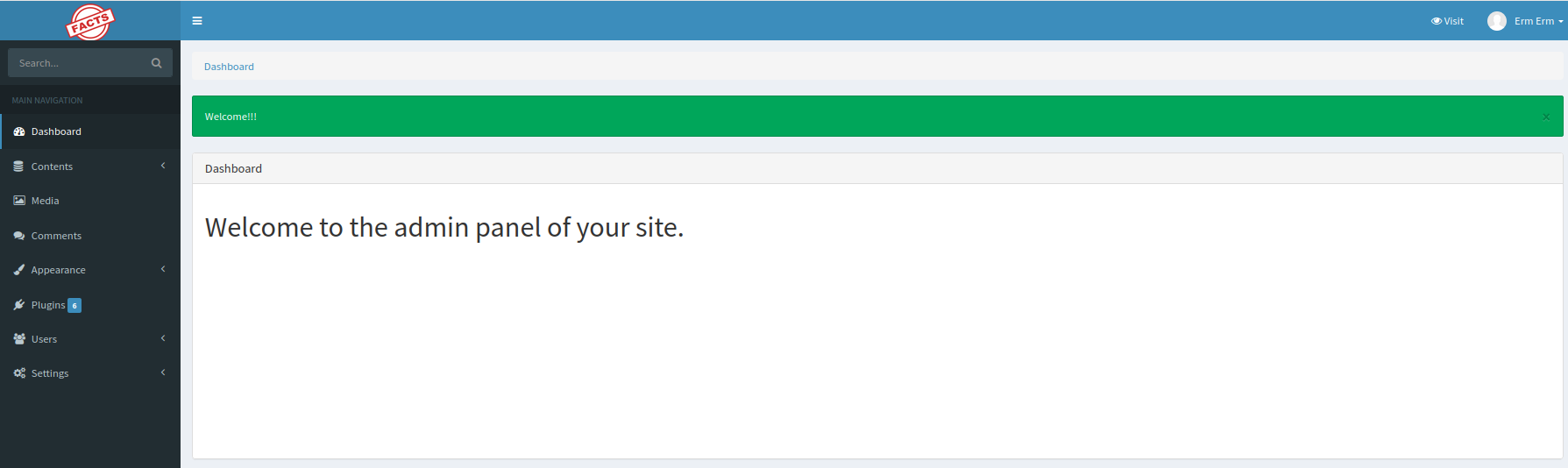
We have access to a chunk of additional menus - I started poking around to see how to leverage these new privileges to get code execution on the host. I tried finding a way to deploy a webshell or something similar, but wasn’t successful.
🪣 Someone Grab a Bucket
Checking out the site configuration we can see that AWS S3 buckets are being used to store site content.
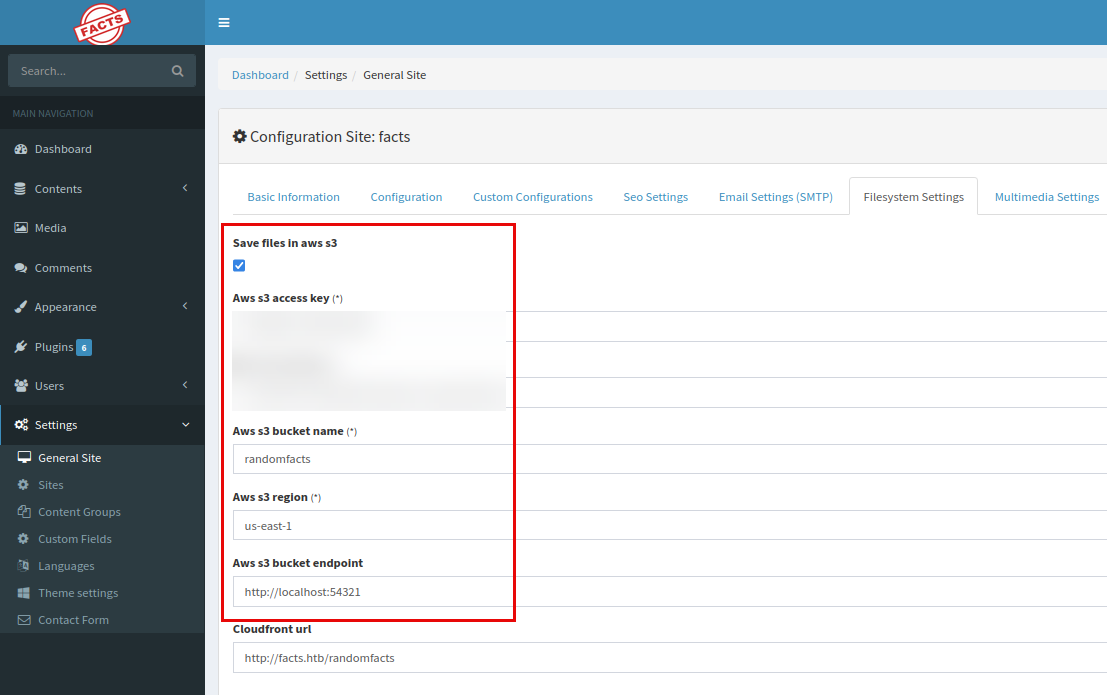
AWS S3 buckets are cloud-based object storage buckets that are commonly used to store static assets, app file uploads, and more. Here we can see that the endpoint in use is http://localhost54321 - indicating that there’s a local bucket implementation on port 54321 instead of actually being in AWS.
1 | naabu -host facts.htb -p 54321 |
Scanning that port - we can see that it’s externally accessible, so we can connect to the bucket using the AWS access key from Camaleon, and the AWS CLI. I created a new profile in ~/.aws/credentials to configure the credentials and region.
1 | aws s3 ls --endpoint-url=http://facts.htb:54321 --profile=facts |
Listing out the available buckets, we can see that there’s randomfacts, which is used by Camaleon, and an additional internal bucket.
The randomfacts bucket stored the trivia and other assets found on the facts website, but internal was a bit more interesting.
1 | aws s3 ls --endpoint-url=http://facts.htb:54321 --profile=facts s3://internal |
here we can see an authorized keys file, and a private SSH key. I pulled down the SSH key, we should be able to use it to access the host as the respective user.
1 | aws s3 cp --endpoint-url=http://facts.htb:54321 --profile=facts s3://internal/.ssh/id_ed25519 ./id_ed25519 |
We have the keyfile, but we need the username that goes with it to be able to SSH into the box. We can do this using ssh-keygen (news to me), but it’s password protected.
1 | ssh-keygen -y -f id_ed25519 > public-key.pub |
Not a problem; we’ll grab a hash and crack it (john was only used out of laziness..).
1 | # Grabbing a hash from the keyfile |
Now we can use the same ssh-keygen to get the public key, which contains the username [email protected].
We can use that to SSH in as trivia, but we can’t grab the user flag yet.
1 | ssh [email protected] -i id_ed25519 |
💎 Privesc
First thing I did was check out the commands trivia could run with sudo:
1 | trivia@facts:~$ sudo -l |
How serendipitous. According to GTFOBins facter will execute the first Ruby .rb file in the directory we provide it. This can be used to get command execution or a shell as root since we can run it with sudo. Facter is a tool to grab system and configuration info from the host.
I dropped a Ruby reverse shell on the host, started a listener, and ran it with facter.
1 | trivia@facts:~$ sudo facter --custom-dir=./ |
That gave me a callback as root - which we can then use to grab the user flag from William’s home directory, and the root flag :) Yippee!
1 | nc -lvnp 6969 |
📖 Resources
| 🔗 Hyperlink | ℹ️ Info |
|---|---|
| predyy/CVE-2025-2304 | Camaleon privesc script |
| NIST: CVE-2025-2304 | Camaleon privesc CVE entry |
| GTFOBins: Facter | GTFOBins entry on Facter use/privesc |
| secjohn/ruby-shells | Ruby revshell |
| SSH2John | John script to grab crackable hashes from SSH private key files |
| Cybersec Notes: SSH Pubkey Recovery | My notes page on SSH pubkey recovery |
- Title: HTB - Facts Writeup
- Author: Liam Geyer
- Created at : 2026-05-29 00:00:00
- Updated at : 2026-06-27 19:19:45
- Link: https://lfgberg.org/2026/05/29/htb/facts/
- License: This work is licensed under CC BY-NC-SA 4.0.